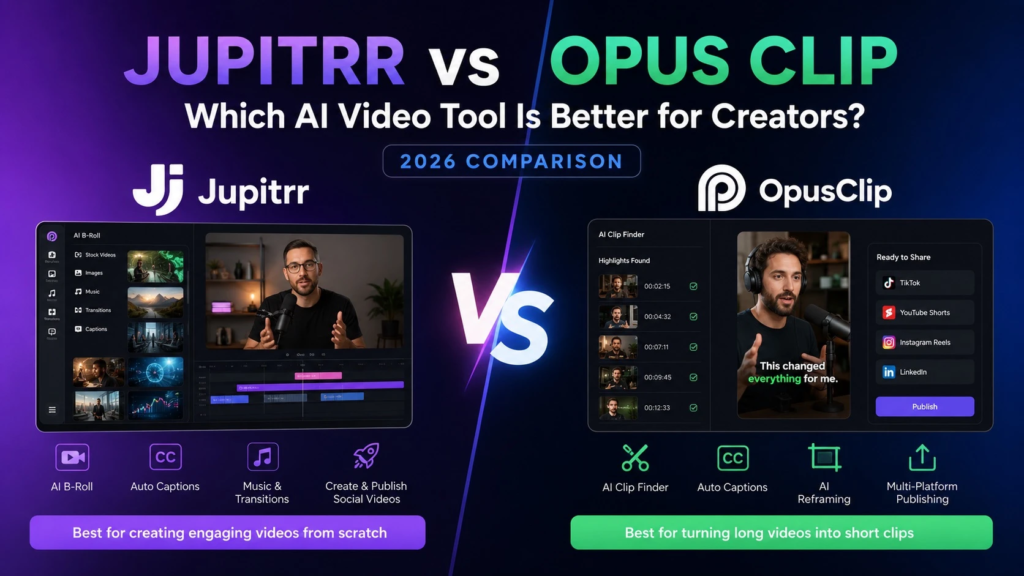
Artificial Intelligence (AI) tools have become an essential part of modern work, helping individuals and businesses improve productivity, automate repetitive tasks, and create high-quality content faster than ever before. From AI writing assistants and image generators to coding platforms and research tools, there are countless options available today. However, choosing the right AI tool can be challenging because each platform offers different features, strengths, and pricing models. This guide compares some of the most popular AI tools, helping you understand their capabilities and choose the one that best fits your needs.
Why Comparing AI Tools Is Important
Not every AI tool is built for the same purpose. Some are designed for content writing, while others specialize in coding, graphic design, data analysis, or customer support. Comparing AI tools allows users to understand their features, ease of use, pricing, integrations, and overall performance. Making an informed decision helps businesses and individuals invest in tools that deliver the best value and improve productivity.
ChatGPT vs Gemini
ChatGPT and Google Gemini are two of the most widely used AI assistants. ChatGPT is known for its natural conversations, creative writing, coding assistance, and content generation. Gemini integrates deeply with Google’s ecosystem, making it a strong choice for users who rely on Google Workspace, Search, and other Google services. Both tools support productivity, but the ideal choice depends on your workflow and preferred ecosystem.
| Feature | ChatGPT | Google Gemini |
|---|---|---|
| Best For | Content creation, coding, brainstorming | Google Workspace integration, research |
| Strength | Natural conversations and creativity | Real-time information and Google services |
| Ideal Users | Students, professionals, marketers, developers | Google Workspace users and businesses |
Claude vs ChatGPT

Claude focuses on handling long documents, detailed analysis, and thoughtful responses, making it popular among researchers, writers, and professionals. ChatGPT offers a wider range of capabilities, including creative writing, coding, brainstorming, and task automation. Both platforms excel in different areas, so the right choice depends on your primary use case.
Canva AI vs Adobe Firefly
Key Differences
- Canva AI is ideal for users who want to create professional-looking designs quickly without advanced design skills.
- Adobe Firefly is better suited for professionals who need powerful AI-powered editing and creative flexibility.
- Canva AI offers a large collection of templates that make designing fast and simple.
- Adobe Firefly provides advanced generative AI tools for image editing and creative artwork.
- Canva AI is perfect for social media posts, presentations, flyers, and marketing materials.
- Adobe Firefly excels in professional image editing, graphic design, branding, and creative projects.
- Canva AI has a shorter learning curve, making it beginner-friendly.
- Adobe Firefly offers deeper customization and integrates with Adobe Creative Cloud applications.
Both Canva AI and Adobe Firefly simplify graphic design using Artificial Intelligence. Canva AI is beginner-friendly and ideal for creating social media graphics, presentations, and marketing materials quickly. Adobe Firefly provides more advanced creative features, making it a better choice for professional designers who require greater control and editing capabilities.
GitHub Copilot vs Cursor
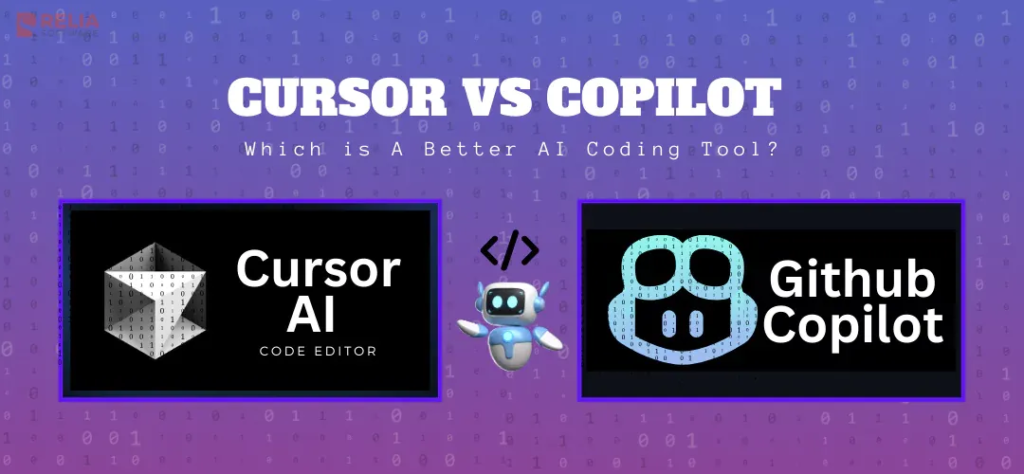
Developers increasingly rely on AI coding assistants to write, debug, and optimize code. GitHub Copilot integrates directly into popular code editors and suggests code as developers type. Cursor combines AI-powered coding with intelligent project understanding, making it particularly useful for software development workflows. Both tools improve coding speed and reduce repetitive programming tasks.
| Feature | GitHub Copilot | Cursor |
|---|---|---|
| Best For | Code completion and AI coding assistance | AI-powered coding with project-wide understanding |
| Developed By | GitHub (Microsoft) | Anysphere |
| Primary Focus | Suggesting code as you type | AI-first code editor with intelligent coding assistance |
| Code Completion | Excellent real-time code suggestions | Advanced code completion with project context |
| Project Understanding | Limited context based on open files | Understands the entire codebase for better suggestions |
Grammarly vs QuillBot
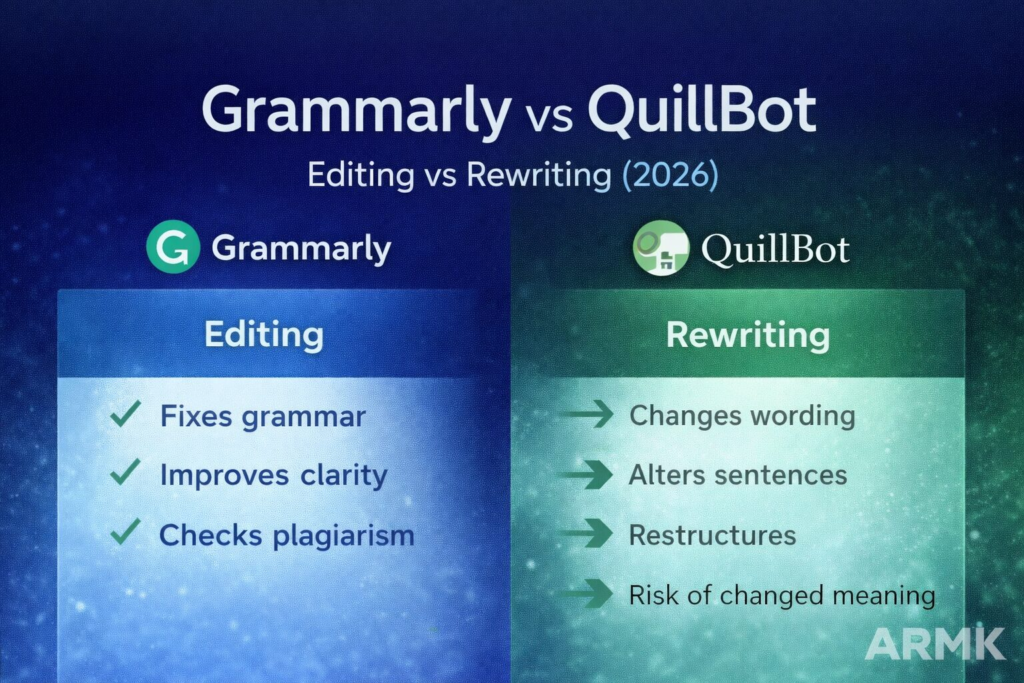
Grammarly focuses on grammar correction, spelling, clarity, and writing improvement, making it ideal for emails, reports, and professional communication. QuillBot specializes in paraphrasing, summarizing, and rewriting content while maintaining the original meaning. Writers often use both tools together to produce polished, high-quality content.
Perplexity AI vs Traditional Search Engines
Search Experience:Perplexity AI provides direct, conversational answers with summaries, while traditional search engines display a list of web pages that users need to browse themselves. Source References:Perplexity AI includes citations and links to the sources used in its responses, making it easier to verify information. Traditional search engines provide links but require users to open multiple websites to find answers. Research Efficiency:Perplexity AI can summarize information from several sources into one clear response, helping users save time. Traditional search engines often require users to compare information across multiple pages. Best Use Cases:Perplexity AI is ideal for quick research, explanations, and learning complex topics. Traditional search engines are better for finding specific websites, shopping, local businesses, news, images, and a wider variety of online content. User Experience:Perplexity AI offers an interactive, chat-based experience where users can ask follow-up questions naturally. Traditional search engines rely on keyword-based searches and require users to refine queries manually for better results.
Perplexity AI combines conversational AI with web-based research by providing summarized answers along with source references. Traditional search engines display lists of web pages that users must explore themselves. For quick research and concise explanations, Perplexity AI offers a more conversational experience, while traditional search engines remain valuable for broader information discovery.
Factors to Consider Before Choosing an AI Tool

When selecting an AI tool, consider your goals, budget, ease of use, integration with existing software, data security, collaboration features, and customer support. Free tools may be sufficient for beginners, while businesses often benefit from premium features that improve productivity and team collaboration.
Which AI Tool Is Best for Different Users?
Different users have different requirements. Students often benefit from AI tools that support learning and writing. Content creators need strong writing and image-generation capabilities. Developers require coding assistants that integrate with programming environments, while businesses may prioritize automation, collaboration, and workflow integration. Choosing the right tool depends on your specific tasks rather than simply selecting the most popular platform.
Advantages of Using AI Tools
AI tools help automate repetitive work, improve productivity, generate creative ideas, analyze large amounts of information, and support faster decision-making. They also reduce manual effort, improve collaboration, and allow professionals to focus on strategic and creative tasks that require human expertise.
Limitations of AI Tools

Although AI tools are powerful, they are not perfect. Responses may occasionally contain errors or outdated information, and AI-generated content often requires human review for accuracy, originality, and context. Privacy, security, and ethical considerations should also be evaluated before using AI tools for sensitive information.
The Future of AI Tools
Artificial Intelligence continues to evolve rapidly. Future AI tools are expected to become more personalized, accurate, and integrated into everyday workflows. Advancements in multimodal AI, automation, real-time collaboration, and intelligent assistants will further improve productivity across industries. Businesses and individuals who stay updated with these innovations will be better prepared for the future of work.
The growing number of AI tools provides users with more opportunities than ever to improve productivity, creativity, and efficiency. Whether you need help with writing, coding, design, research, or business automation, there is an AI solution designed for your needs. By comparing features, understanding strengths, and choosing tools that align with your goals, you can make informed decisions and maximize the benefits of Artificial Intelligence in your daily work.
Frequently Asked Questions (FAQs)
1. What are AI tools?
AI tools are software applications that use Artificial Intelligence to perform tasks such as writing, coding, designing, researching, analyzing data, and automating workflows.
2. Why should I compare AI tools?
Comparing AI tools helps you choose the best option based on features, pricing, ease of use, integrations, and your specific requirements.
3. Which AI tool is best for content creation?
Several AI tools support content creation, but the best choice depends on your workflow, writing style, collaboration needs, and preferred features.
4. Are free AI tools good enough?
Free AI tools are suitable for beginners and basic tasks, while premium plans typically offer advanced features, higher usage limits, and better collaboration capabilities.
5. Which AI tool is best for developers?
Developers often choose AI coding assistants that integrate with their code editor and provide intelligent code suggestions, debugging assistance, and project support.