
In today’s digital workplace, team collaboration software has become essential for businesses, startups, remote teams, and even students. As companies continue adopting remote and hybrid work models in 2026, collaboration tools are helping teams communicate, manage projects, share files, and improve productivity more efficiently than ever before.
Team collaboration software simplifies communication by bringing messaging, task management, video conferencing, document sharing, and workflow organization into one platform. These tools help teams stay connected regardless of location, improving coordination and reducing delays in project completion.
The right collaboration software can increase efficiency, improve teamwork, reduce communication gaps, and help businesses achieve better results.
What Is Team Collaboration Software?

Team collaboration software is a digital platform designed to help individuals work together more effectively. These platforms allow employees, managers, and teams to communicate, share updates, assign tasks, and manage projects in real time.
Modern collaboration tools support cloud technology, making information accessible from anywhere using smartphones, tablets, or computers.
| Feature | Purpose |
|---|---|
| Messaging | Quick communication |
| File Sharing | Easy document access |
| Video Meetings | Remote collaboration |
| Task Management | Organize workflows |
| Cloud Storage | Secure file management |
These tools improve transparency and help teams remain organized during daily operations.
Why Collaboration Tools Are Important

Workplaces are becoming more digital and distributed, making collaboration software highly important for maintaining productivity. Without proper communication systems, teams may face delays, misunderstandings, and workflow confusion.
Collaboration software centralizes communication and project tracking, helping teams work more efficiently.
Major Benefits of Collaboration Tools
- Faster communication
- Better project tracking
- Improved remote teamwork
- Increased productivity
- Organized workflow management
Businesses using modern collaboration tools can save time and improve overall performance.
Microsoft Teams – Best for Business Communication
Microsoft Teams is one of the most popular collaboration platforms for businesses and corporate teams. It combines messaging, video conferencing, file sharing, and project collaboration into one platform.
The software integrates smoothly with Microsoft Office applications like Word, Excel, PowerPoint, and Outlook, making it ideal for professional environments.
| Feature | Benefit |
|---|---|
| Video Meetings | Easy remote communication |
| Office Integration | Better workflow management |
| File Sharing | Centralized document access |
Microsoft Teams is especially useful for companies already using Microsoft 365 services.
Slack – Best for Team Messaging

Slack is widely known for its organized messaging system and team communication features. It allows teams to create channels for different departments, projects, or topics, making conversations easier to manage.
Slack also supports integrations with multiple third-party tools, including Google Drive, Zoom, Trello, and Dropbox.
Key Advantages of Slack
- Organized communication channels
- Quick file sharing
- Integration with productivity apps
- Real-time messaging
The platform is highly popular among startups, marketing teams, and technology companies.
Trello – Best for Task Management
Trello is a simple yet powerful project management and collaboration tool. It uses a visual board system that helps teams organize tasks, deadlines, and workflows efficiently.
The drag-and-drop interface makes it beginner-friendly and suitable for teams of all sizes.
| Trello Feature | Advantage |
|---|---|
| Visual Boards | Easy task tracking |
| Drag-and-Drop | Simple management |
| Team Collaboration | Better workflow organization |
Trello is especially useful for content planning, project tracking, and daily task management.
Asana – Best for Workflow Management
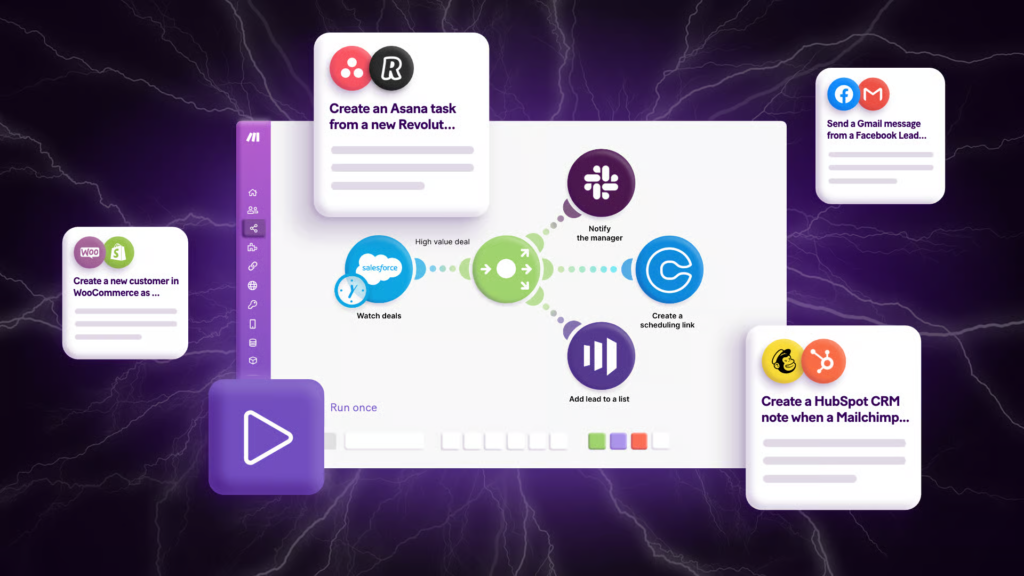
Asana is designed for advanced project and workflow management. It helps teams assign tasks, track progress, set priorities, and manage deadlines effectively.
The platform provides multiple project views, including lists, boards, timelines, and calendars, allowing teams to choose workflows according to their preferences.
Asana is ideal for businesses managing multiple projects simultaneously.
Zoom – Best for Virtual Meetings
Video communication has become an important part of modern work culture, and Zoom remains one of the leading virtual meeting platforms.
Zoom supports video conferencing, webinars, screen sharing, and online collaboration, making it highly effective for remote teams and online businesses.
Main Features of Zoom
- HD video meetings
- Screen sharing
- Webinar support
- Meeting recording
- Virtual collaboration
Zoom is commonly used for remote work meetings, online classes, and business presentations.
Google Workspace – Best Cloud Collaboration Suite
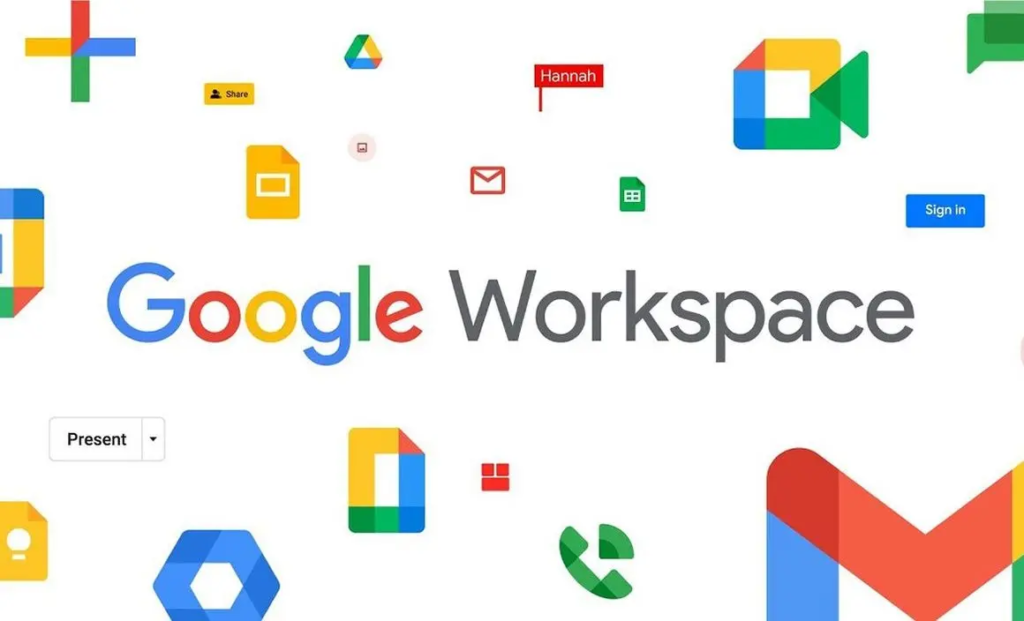
Google Workspace provides cloud-based productivity and collaboration tools such as Gmail, Google Docs, Google Sheets, Google Meet, and Google Drive.
The biggest advantage of Google Workspace is real-time collaboration. Multiple users can edit documents simultaneously while changes are saved automatically.
| Google Workspace Tool | Function |
|---|---|
| Google Docs | Document collaboration |
| Google Sheets | Spreadsheet management |
| Google Meet | Video conferencing |
| Google Drive | Cloud storage |
This platform is ideal for teams requiring flexible and cloud-based workflows.
Monday.com – Best for Project Visualization
Monday.com is a modern collaboration and project management platform that helps teams visualize workflows using dashboards and customizable boards.
The software allows businesses to manage projects, automate repetitive tasks, and track team performance efficiently.
Its visually attractive interface makes project tracking easier and more engaging.
Features to Look for in Collaboration Software
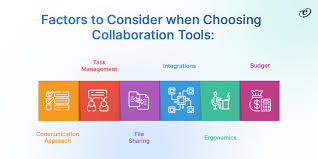
Important Features
- Real-time communication
- File sharing
- Cloud accessibility
- Task management
- Security and privacy
- Third-party integrations
Choosing the right collaboration tool depends on business needs, team size, and workflow requirements.
Software with simple interfaces and automation features can significantly improve productivity.
Benefits of Collaboration Software for Remote Work
Remote and hybrid work environments rely heavily on digital collaboration tools. These platforms help employees stay connected and maintain workflow efficiency regardless of physical location.
| Benefit | Impact |
|---|---|
| Flexible Communication | Better coordination |
| Remote Accessibility | Work from anywhere |
| Faster Updates | Improved workflow |
| Team Transparency | Better accountability |
Collaboration software reduces communication gaps and helps maintain productivity in distributed teams.
Challenges of Collaboration Tools
Despite their advantages, collaboration platforms can sometimes create challenges if not managed properly. Too many notifications, poor organization, and excessive tool usage may reduce efficiency instead of improving it.
Businesses should avoid using multiple overlapping platforms because it can create confusion among employees.
Training employees on proper software usage is also important for maximizing productivity.
Future of Team Collaboration Software

The future of collaboration software is becoming more advanced with artificial intelligence, automation, and smart workflow management. AI-powered collaboration tools are already helping teams schedule meetings, summarize discussions, automate tasks, and improve communication efficiency.
Virtual reality meetings, smart workspaces, and AI-based productivity assistants are expected to become more common in the coming years.
As businesses continue adopting digital transformation, collaboration software will remain an essential part of modern workplaces.
Conclusion
Team collaboration software plays a major role in improving communication, productivity, workflow management, and project organization. Tools like Microsoft Teams, Slack, Trello, Asana, Zoom, and Google Workspace have transformed the way modern teams work together.
Choosing the right collaboration platform depends on business goals, team requirements, and workflow structure. A well-organized collaboration system can improve efficiency, reduce communication gaps, and increase overall productivity.
In 2026, businesses that effectively use smart collaboration tools are more likely to succeed in remote, hybrid, and digital work environments.