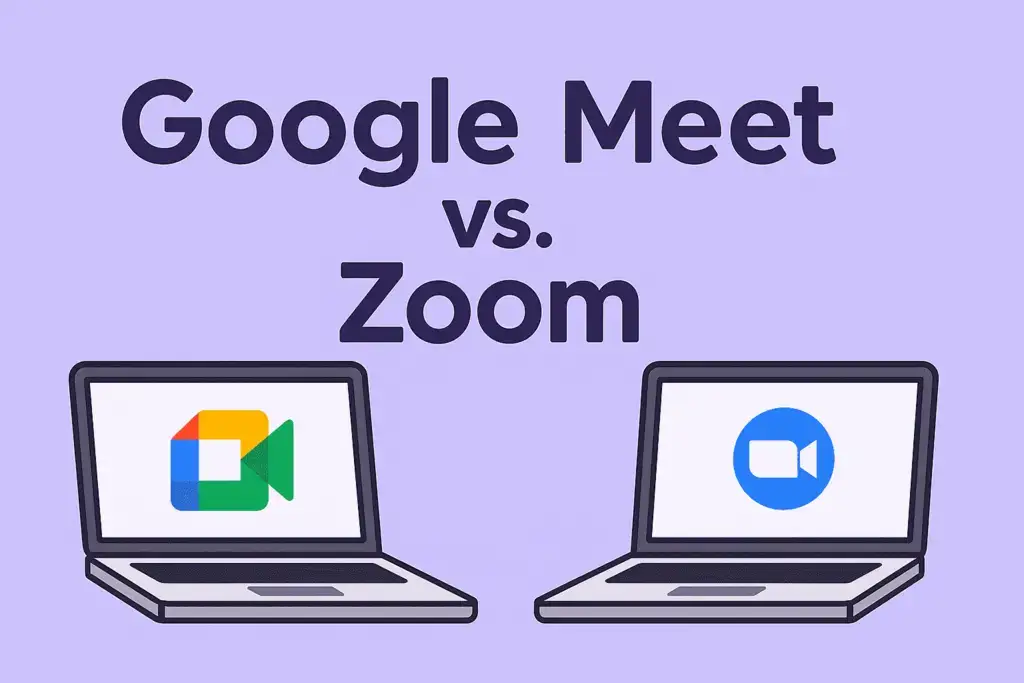
Video conferencing has become an essential part of modern business communication. Whether teams are working remotely, collaborating across locations, or conducting client meetings, reliable video meeting platforms play a crucial role in maintaining productivity and connectivity. Among the most popular options available today are Zoom and Google Meet, both offering powerful features designed to support virtual collaboration.
While both platforms provide high-quality video meetings, screen sharing, and team communication capabilities, they differ in areas such as ease of use, integrations, pricing, security, and advanced collaboration features. Choosing the right platform depends on your organization’s needs, budget, and workflow requirements.
This comparison explores the strengths and weaknesses of Zoom and Google Meet to help you determine which platform is the better choice for your team.
Overview of Zoom
Zoom is one of the most widely recognized video conferencing platforms in the world. It gained massive popularity due to its reliability, ease of use, and extensive feature set. Businesses, educational institutions, and organizations of all sizes use Zoom for meetings, webinars, virtual events, and team collaboration.
Zoom offers features such as virtual backgrounds, breakout rooms, meeting recordings, screen sharing, and webinar hosting. Its ability to support large-scale meetings makes it a preferred choice for organizations that frequently conduct online events and training sessions.
Overview of Google Meet
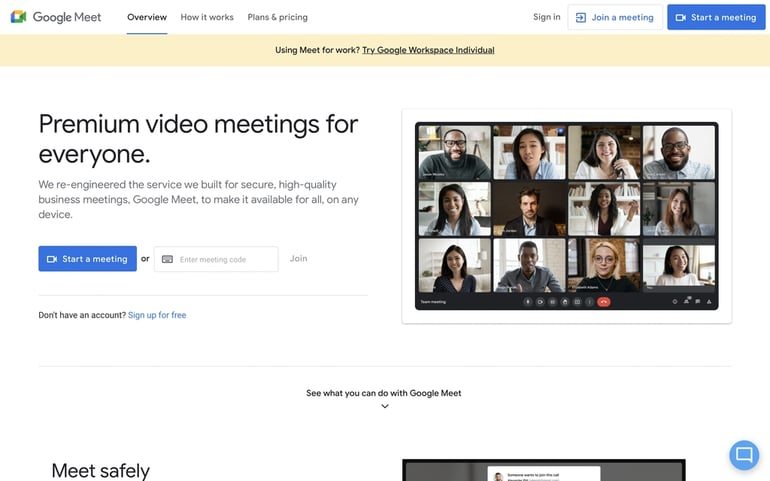
Google Meet is Google’s video conferencing solution that integrates seamlessly with Google Workspace. It is designed to provide secure and simple video communication for businesses, schools, and individual users.
Google Meet works directly within the Google ecosystem, making it easy for users to schedule meetings through Google Calendar, collaborate using Google Docs, and access meetings from Gmail. Its clean interface and straightforward functionality make it an attractive option for teams already using Google Workspace products.
Ease of Use
When it comes to usability, both platforms are beginner-friendly. Zoom offers a simple meeting setup process and intuitive controls that make joining and hosting meetings easy. Users can quickly schedule meetings, invite participants, and manage sessions without extensive technical knowledge.
Google Meet is equally simple and requires minimal setup, especially for users already familiar with Google’s ecosystem. Since it operates directly through a web browser, participants can join meetings without downloading additional software in many cases.
For organizations heavily invested in Google Workspace, Google Meet often provides a smoother user experience.
Video and Audio Quality

Both Zoom and Google Meet deliver high-quality video and audio performance. Zoom is known for maintaining stable video quality even during large meetings and varying internet conditions. It also offers advanced controls that help optimize audio and video settings.
Google Meet provides excellent video quality and automatically adjusts performance based on network conditions. Its noise cancellation features help improve audio clarity, particularly in busy environments.
For most business users, both platforms provide reliable communication experiences.
Collaboration Features
Collaboration is a major factor when choosing a video meeting platform. Zoom offers several advanced collaboration features, including breakout rooms, whiteboards, polls, reactions, and webinar tools. These features make it suitable for training sessions, workshops, and interactive meetings.
Google Meet focuses on seamless collaboration within the Google Workspace environment. Users can easily work together on documents, spreadsheets, and presentations while participating in meetings. Integration with Google Drive and Google Docs enhances team productivity.
Teams that rely heavily on collaborative document editing may find Google Meet particularly beneficial.
Integrations and Ecosystem
Zoom integrates with a wide range of third-party applications, including project management tools, CRM systems, productivity software, and communication platforms. This flexibility makes it suitable for businesses using diverse technology stacks.
Google Meet’s strongest advantage is its integration with Google Workspace. Organizations using Gmail, Google Calendar, Google Drive, Google Docs, and Google Sheets benefit from a highly connected and streamlined workflow.
Businesses already operating within Google’s ecosystem often experience greater efficiency with Google Meet.
Security and Privacy

Security remains a top priority for organizations conducting virtual meetings. Zoom has significantly strengthened its security measures in recent years, introducing end-to-end encryption, waiting rooms, meeting passwords, and advanced host controls.
Google Meet benefits from Google’s extensive security infrastructure and provides encryption, secure access controls, and enterprise-level protections. Organizations concerned about data security can confidently use either platform.
Both solutions offer strong security features suitable for professional environments.
Meeting Capacity and Scalability
Zoom is particularly well known for supporting large meetings and webinars. Businesses that frequently host large audiences often choose Zoom because of its scalability and event management capabilities.
Google Meet also supports large meetings, especially through Google Workspace plans, but its primary focus remains business communication and collaboration rather than large-scale event hosting.
Organizations conducting webinars and virtual conferences may find Zoom more suitable for those specific needs.
AI-Powered Features

Artificial Intelligence is becoming increasingly important in modern collaboration platforms. Both Zoom and Google Meet are incorporating AI-driven capabilities to improve meeting experiences.
AI features commonly include:
- Automated meeting summaries
- Live captions
- Noise cancellation
- Meeting recordings
- Smart scheduling assistance
These tools help teams save time and improve productivity by reducing manual administrative work.
Pricing Considerations
Pricing often influences platform selection. Google Meet is included with Google Workspace subscriptions, making it a cost-effective option for organizations already using Google’s services.
Zoom offers free and paid plans with additional features available through premium subscriptions. Businesses requiring advanced meeting controls, larger participant limits, or webinar capabilities may need higher-tier plans.
Organizations should evaluate total costs alongside feature requirements before making a decision.
Which Platform Is Best?
The best choice depends on your team’s specific needs.
Zoom is often the better option for organizations that require advanced meeting features, webinars, breakout rooms, and large-scale virtual events. Its flexibility and extensive collaboration tools make it ideal for diverse business environments.
Google Meet is an excellent choice for teams already using Google Workspace. Its seamless integrations, ease of use, and efficient collaboration features create a highly productive work environment.
Both platforms are reliable, secure, and capable of supporting modern workplace communication.