The way we work changed forever a few years ago, and by 2026, the traditional office model is completely outdated. Today, a standard team might consist of a developer in London, a designer in Tokyo, and a project manager working from a local coffee shop.
When your team is scattered across different zip codes and time zones, trying to run a business using just email chains and random text messages turns into a chaotic mess. Valuable files get buried in messy inboxes, critical deadlines get missed entirely, and your employees quickly become frustrated and burnt out.
That is why having a central, digital workspace isn’t a luxury anymore—it is the only way to keep your sanity and keep your business running smoothly. It bridges the physical gap and builds a transparent, highly connected company culture.
What Are Collaboration Tools Anyway?
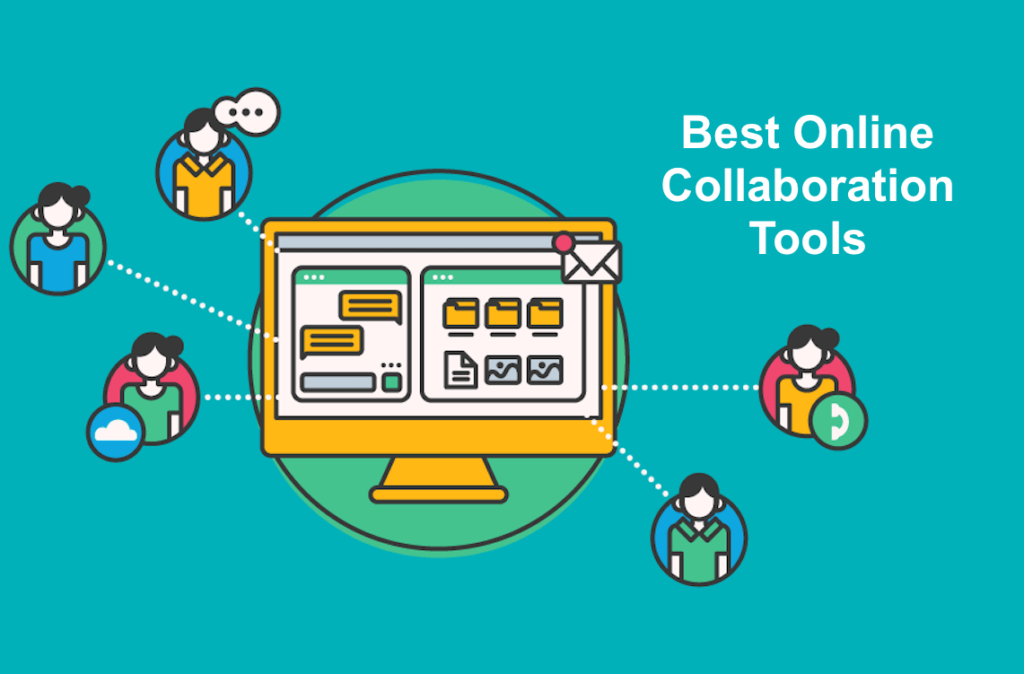
Think of these platforms as the digital headquarters for your entire business. Instead of digging through a cluttered inbox for a single file, waiting hours for a simple feedback email, or wondering who is actually responsible for an upcoming task, these tools put everything in one organized spot.
Imagine a typical Monday morning. One employee needs an immediate critique on a marketing design, another is modifying a product launch timeline, and a manager needs to verify the status of a client contract.
Without proper software, this requires three separate phone calls and a dozen messy emails. With a collaboration tool, all of this happens simultaneously in real-time, in full view of everyone who needs to see it. The immediate result is vastly improved communication, fewer misunderstandings, and less time wasted playing digital detective.
The Features That Actually Matter

The software market is flooded with thousands of apps, and it is easy to get overwhelmed by flashy features you will never use. When choosing the right setup for your business, you only need to focus on a few core, high-performing tools that work flawlessly.
- Real-Time Chat and Video: If a team member needs a quick “yes” or “no” on a layout, they shouldn’t have to draft a formal email. Quick group chats and one-click video calls allow teams to solve complex problems in minutes rather than days.
- Centralized Document Storage: Everyone on your team must be working on the exact same version of a file. Modern platforms allow you to upload a document, edit it together simultaneously, and access it securely from any device, anywhere in the world.
- Visual Project Dashboards: You need to be able to see who is doing what, what is currently blocking progress, and when a project is due at a single glance. Visual task boards take the guesswork out of daily operations.
- Cross-Platform Integrations: Your team already relies on calendars, emails, and spreadsheets. The best platforms smoothly connect all of these pieces together so your staff isn’t constantly copying and pasting data between separate, disconnected apps.
The Hidden Benefits Beyond Simple Productivity
While saving time and cutting costs are usually the main reasons companies invest in these systems, the real benefits go much deeper. They completely transform how your employees feel about their daily work.
- Total Operational Transparency: When project updates and responsibilities are out in the open, it eliminates the “I didn’t know that was my job” excuse. Everyone stays completely aligned on the company’s primary goals and long-term vision.
- Stronger Team Bonds: When communication becomes effortless, collaboration naturally follows. Employees feel comfortable sharing innovative ideas freely, which creates a genuine sense of community, even if team members have never met face-to-face.
- Rapid Decision-Making: Managers no longer need to call a grueling two-hour meeting just to get a status update. Access to live, accurate data dashboards allows leaders to make critical pivots and smart decisions on the fly.
- A Drastically Improved Employee Experience: Nobody enjoys dealing with annoying administrative roadblocks. When your business workflow is clean and automated, your employees can spend less time dealing with paperwork and more time focusing on the creative work they actually enjoy.
The Massive Traps That Can Ruin Your Workflow

Technology alone cannot automatically fix a disorganized company. In fact, if you aren’t careful, blindly throwing new software at your staff can actually make their jobs much harder. Many businesses frequently stumble into the exact same digital bottlenecks:
- Severe Notification Fatigue: When every single app is constantly pinging, flashing, and buzzing, employees lose their ability to focus deeply on their tasks.
- Information Overload: Having too many chaotic chat channels and unstructured folders makes finding vital project information a total nightmare.
- Low Software Adoption Rates: If a new tool is too confusing or poorly explained, your staff will quietly abandon it and go back to using unauthorized personal texts and private emails.
To completely avoid these issues, do not simply buy software and hope for the best. Sit down with your team, create a few clear, simple boundaries for how these platforms should be used, and give everyone a patient, thorough walkthrough of the system.
The Ultimate Playbook for Digital Teamwor
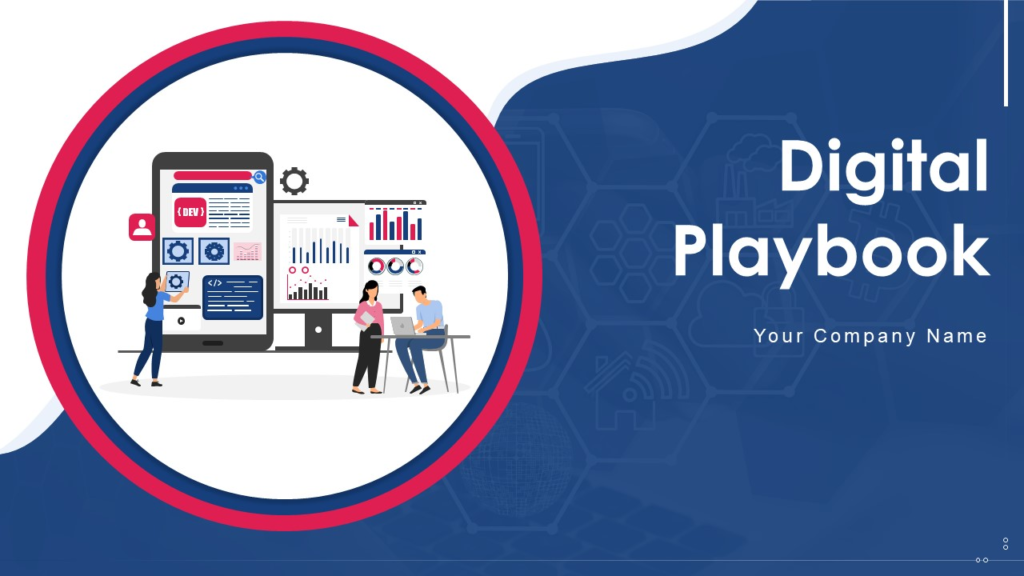
To build a truly efficient digital workspace, you must combine your modern tools with healthy, sustainable daily communication habits.
- Keep Your Messages Brief: Encourage your team to write clear, direct sentences. Nobody wants to log in after lunch and read a massive, winding essay in a chat app.
- Keep Your Spaces Clean: Treat your digital workspace like a physical office. Regularly organize your folders, archives, and channels so your team can locate critical resources in seconds.
- Establish Clear Expectations Early: Define specific roles, hard deadlines, and communication channels before a major project kicks off to prevent late-stage confusion.
- Build a Safe, Inclusive Culture: Software only works if people actively use it. Make sure every single team member feels comfortable asking questions, voicing concerns, and contributing to group discussions without fear of judgment.
What the Future Holds for Teams
As we look across 2026, artificial intelligence is moving out of the experimental phase and doing serious heavy lifting behind the scenes of our workplaces. AI features are now seamlessly integrated into our daily tools to automatically summarize long video meetings, sort through messy files, flag urgent client requests, and eliminate tedious manual data entry.
However, it is crucial to remember that software, data, and computers do not build great companies—passionate, creative people do. The ultimate goal of modern collaboration technology is simply to automate the boring, repetitive administrative work. By removing those daily headaches, you give your team the precious time, energy, and mental freedom they need to innovate, connect, and build something incredible together.