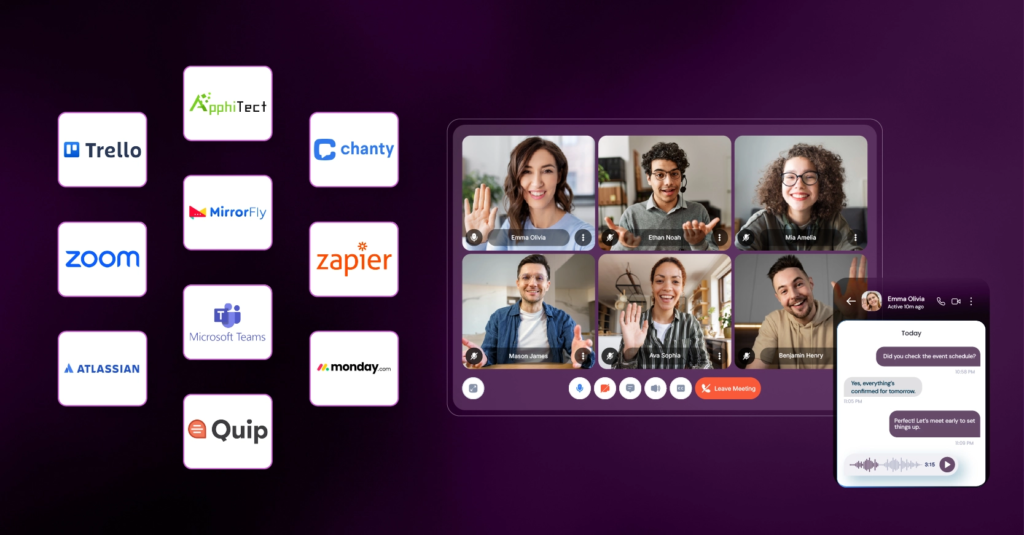

et’s face it: the way we work has permanently changed. In today’s fast-moving digital workplace, getting along, staying on the same page, and working well as a team aren’t just nice-to-have cultural perks anymore—they are what keep a business alive. The old-school routine of sitting at a desk from nine to five is fading fast. As remote and hybrid setups become the new normal for companies everywhere, teams need dependable, user-friendly tools to stay close, organized, and creative, no matter where they happen to log in.
Collaboration tools do a lot more than just give us a virtual watercooler to chat around; they act as the actual heartbeat of a modern company. These platforms make it easy for people to chat instantly, share important files without the headache, and tackle big projects together across different cities or time zones. By picking the right mix of software, companies can knock down walls between departments, clean up messy daily routines, and get much better results without burning everyone out.
Why Today’s Collaboration Tools Are an Absolute Lifeline

We’ve all felt the exhausting weight of information overload. That is exactly why modern collaboration software has become so vital—it gives everyone one clear, shared space where all the real work lives. Instead of hunting through endless folders or guessing who is doing what, these platforms let teams talk in real time, pass files back and forth safely, and see exactly how a project is moving along day by day.
[Scattered Teams] ──> (A Shared Digital Tool) ──> [One Connected Workspace]
At the end of the day, these tools close the communication gaps that cause misunderstandings, keep things incredibly transparent, and make sure everyone feels valued and aligned with the company’s bigger picture. For anyone working from a spare bedroom or a hybrid office, this software builds a welcoming virtual home base that keeps people motivated, happy, and genuinely connected to their teammates. Without these spaces, it’s all too easy for teams to become isolated, leading to dropped balls and unnecessary stress.
Team Chat Platforms: Killing the Never-Ending Email Chain
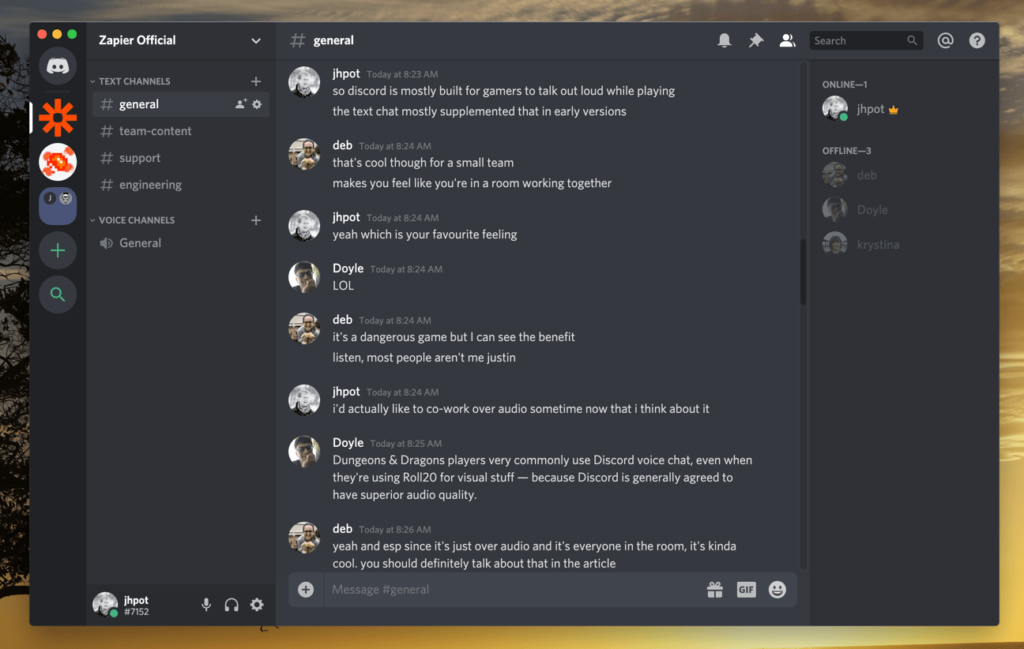
Real, honest, and quick communication is the bedrock of any great team. Traditional email definitely still has its place for formal notes or outside clients, but it’s simply too slow and clunky for the fast, messy brainstorming that happens internally every day. Modern chat tools let coworkers send quick notes, jump into casual voice huddles, and share helpful updates the second they happen.
Platforms like Slack, Microsoft Teams, and Google Chat group conversations into tidy, focused spaces centered around specific tasks, clients, or team interests. Shifting your daily chat into these open spaces brings some massive upgrades:
- An end to messy email reply-all chains that clog up your morning.
- Faster, simpler decision-making because you can get a quick thumbs-up in seconds.
- A much friendlier culture thanks to dedicated spaces for sharing pet photos, jokes, and life updates.
- A searchable history that helps new hires learn the ropes without feeling lost.
When you bring conversations out into the open, knowledge belongs to everyone instead of getting trapped in someone’s private inbox.
Project Management: Seeing the Whole Picture Clearly
Talking is great, but things fall apart quickly if nobody knows who is actually owning a task or when it’s due. Project management apps step in to help teams break down big goals, hand out clear responsibilities, and watch progress happen out in the open. Friendly platforms like Asana, Trello, ClickUp, and Monday.com use highly visual layouts that take the guesswork out of tracking a project.
Simple Layouts That Make Life Easier:
- Kanban Boards: Great for moving cards visually through steps like “To-Do,” “In Progress,” and “Done.”
- Gantt Charts: Perfect for visualizing a timeline and seeing how tasks fit together over weeks or months.
- Simple Task Lists: Excellent for daily to-do lists and checking off boxes as you go.
By using these visual setups, team members can chat directly on the specific task they are working on, set realistic deadlines, attach the right files, and drop quick status updates. These tools build natural accountability, stop annoying micromanagement, and give everyone the independence they need to manage their daily workflows with total peace of mind.
Working on Documents Together: Ending the Version Control Nightmare

Writing reports, building presentations, and editing spreadsheets is a daily reality for almost all of us. We’ve all lived through the absolute nightmare of saving fifteen different versions of the same file, resulting in confusing names like “Proposal_v2_FINAL_edited_actualfinal.docx.” Thankfully, modern cloud tools have completely saved us from that mess.
Suites like Google Workspace and Microsoft 365 let multiple people jump into the exact same document, sheet, or presentation at the exact same time. Features like live comments, tagging a coworker to ask a question, and looking back at the document’s history mean that everyone is always looking at the absolute latest version. If someone accidentally deletes a whole paragraph, you can roll back to an older version with a single click—protecting your hard work and letting teams experiment and create together without fear.
Video Calls: Keeping It Human When We’re Far Apart
When you can’t sit across the table from someone, seeing their face and hearing their voice is the next best thing for building real trust. Video calls have evolved from glitchy, annoying luxuries into a daily necessity for remote life. Platforms like Zoom, Microsoft Teams, and Google Meet allow high-quality, face-to-face chats across any distance.
But today’s video tools go way beyond just looking at a webcam. Features like easy screen sharing, automatic live captions, digital whiteboards, and smaller breakout rooms turn boring lectures into highly active, collaborative workshops. These tools help remote teams keep a strong personal bond, host fun brainstorming sessions, and run company-wide meetings where everyone actually feels included.
AI-Powered Help: Your New Virtual Assistant
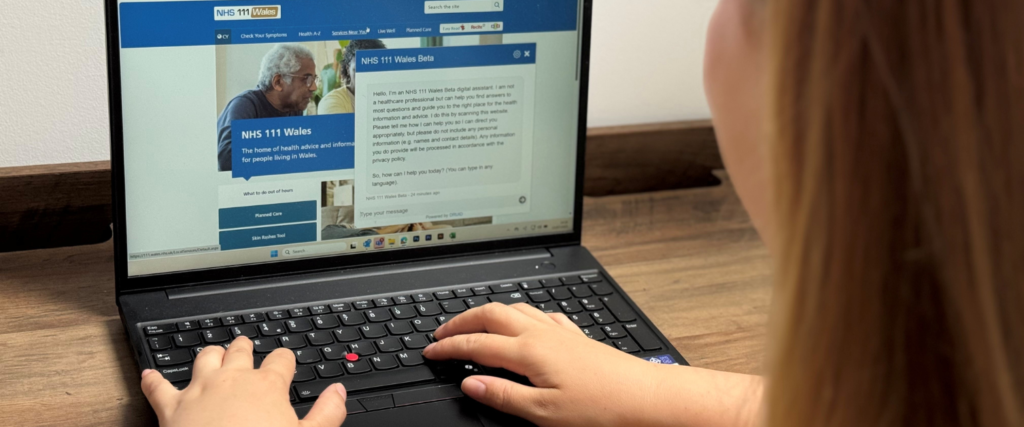
Artificial Intelligence isn’t just a sci-fi buzzword anymore; it is actively stepping in to take care of the boring, repetitive tasks so we can focus on what we actually enjoy. AI is now built right into the apps we open every morning to make our workdays smoother.
┌─────────────────────────────────────────────────────────┐
│               How AI Lends a Hand Every Day            │
├────────────────────────────┬────────────────────────────┤
│ Quick Meeting Summaries    │ Missed a call? Get a recap │
├────────────────────────────┼────────────────────────────┤
│ Smart To-Do Reminders      │ Grabs action items for you │
├────────────────────────────┼────────────────────────────┤
│ Rough Draft Writing        │ Helps kickstart your ideas │
└────────────────────────────┴────────────────────────────┘
Smart assistants like Microsoft Copilot, Google Gemini, and Notion AI save us hours of tedious administrative work. Instead of spending your evening typing up meeting notes or digging through hours of missed chat messages, you can ask AI to pull out the main action items, catch you up on missed discussions, or suggest the next best steps. This gives you your time back so you can focus on creative problem-solving and strategic thinking.
Automation: Letting the Software Do the Busywork
A great software setup should feel effortless. Modern collaboration tools are amazing at talking to one another, which means they can handle the boring, manual steps for you and eliminate human mistakes. By setting up simple “when this happens, do that” rules, your systems can pass data around automatically.
For example, when a sales rep signs a new client, an automated workflow can instantly open up a fresh project board, create a dedicated chat channel for the team, and shoot a warm welcome email to the client. By letting technology handle these repetitive chores, teams can save their energy for work that requires real empathy, human relationships, and critical thinking.
Embracing Hybrid Work: Fairness by Design

Hybrid work—where some folks are at home and others are in the office—presents a unique challenge. The biggest hurdle is making sure remote workers don’t feel left out of loop compared to the office crew. Collaboration tools solve this by creating a level playing field where everyone has the exact same access to information.
Whether you are sitting at a desk in the main headquarters or working in comfortable clothes from your kitchen table, you open the exact same screen to check updates, join discussions, and look at files. This consistency creates a fair workplace, fights proximity bias, and keeps everyone moving at the same pace, no matter where they chose to set up their laptop that day.
The Real-World Rewards of Working Together Better
When a company embraces these tools and truly weaves them into their daily culture, the positive changes happen fast:
- More Free Time: Employees waste far less time digging for lost files or waiting for someone to reply to an email.
- Total Transparency: Managers can glance at a dashboard and see exactly how healthy a project is in real time.
- Faster Answers: Quick chats and spontaneous huddles cut right through slow corporate red tape.
- Saved Knowledge: Keeping everything in centralized hubs ensures that helpful tips and project histories stay with the company, even if a team member moves on.
- Happier Teams: Clear expectations and open communication lines take away a massive amount of daily workplace frustration.
How to Choose the Right Tools Without Overcomplicating Things
With so many software options out there, building the perfect toolkit takes a bit of thought. You want to look closely at your team’s size, your budget, and what your daily routines actually look like.
| What to Look For | Features That Actually Matter |
| Easy Chatting | Organized threads, quick voice huddles, and a simple way to invite outside guests. |
| Project Tracking | Visual timelines, clear task owners, and ways to see who has too much on their plate. |
| Safety & Trust | Good privacy settings, secure logins, and strong protection for your company’s data. |
| Good Connections | The ability to easily connect your favorite tools so they share data without a hitch. |
Before spending a bunch of money on long-term software contracts, it is always smart to try things out with free trials or run a small test pilot with a few teammates. Listening to honest, unvarnished feedback from the people actually using the software every day ensures you are buying something that genuinely helps them, rather than just adding another annoying password to remember.
What’s Next: A Sneak Peek into the Future of Work

The future of how we work together is going to be shaped by smarter AI assistants, deeper analytics, and much more immersive digital experiences. We are moving toward a world where our tools don’t just host our work—they actively help us do it.
We will soon see independent AI agents that can join a meeting to take notes, handle scheduling conflicts across teams seamlessly, or run routine checks on project health. At the same time, virtual reality and spatial computing are getting better every day, which means standard video calls will eventually turn into virtual rooms where remote and office workers can sit side-by-side, making distance truly feel like a thing of the past. Keeping an open mind and adopting these human-centric tech updates early will be a huge advantage for forward-thinking companies.
Putting People First
At their core, collaboration tools are no longer just optional software pieces—they are the very foundation of a healthy, flexible workplace. They bridge the physical distance between us, smash down frustrating silos, and give everyone the clarity they need to show up and do great work every day.
As businesses continue to navigate the digital world, investing in a great, connected toolkit is really just an investment in your people. By picking the right tools and building a workplace culture that actually enjoys using them, companies can look forward to smoother daily routines, happier teams, and steady, natural growth for years to come.
Frequently Asked Questions
1. What are collaboration tools in plain English?
They are simply apps and software platforms built to help groups of people talk easily, share their work, track tasks, and get things done together in one shared digital space.
2. How do these tools help someone working from home?
They replace the physical office with a unified digital workspace. This means a remote worker can see the exact same conversations, notes, and project changes as someone sitting in the main corporate building, so nobody feels left out in the dark.
3. Is it normal for a team to use more than one tool?
Absolutely! Most teams build a mix that works for them. For example, you might use Slack to chat throughout the day, Asana to check off your to-do lists, and Google Docs to write up ideas, using built-in connections to link them all together.
4. Should we worry about security when picking a tool?
Yes, definitely. Because these apps hold your private conversations, client details, and business ideas, it is incredibly important to pick software that has strong privacy protection, secure login options, and trusted safety certifications.
5. Is AI going to replace how teams talk to each other?
Not at all—it’s just here to take away the annoying busywork. AI helps by summarizing long chats you missed, writing quick recaps, and creating to-do lists, which actually gives human beings more time to focus on creative and meaningful work.