
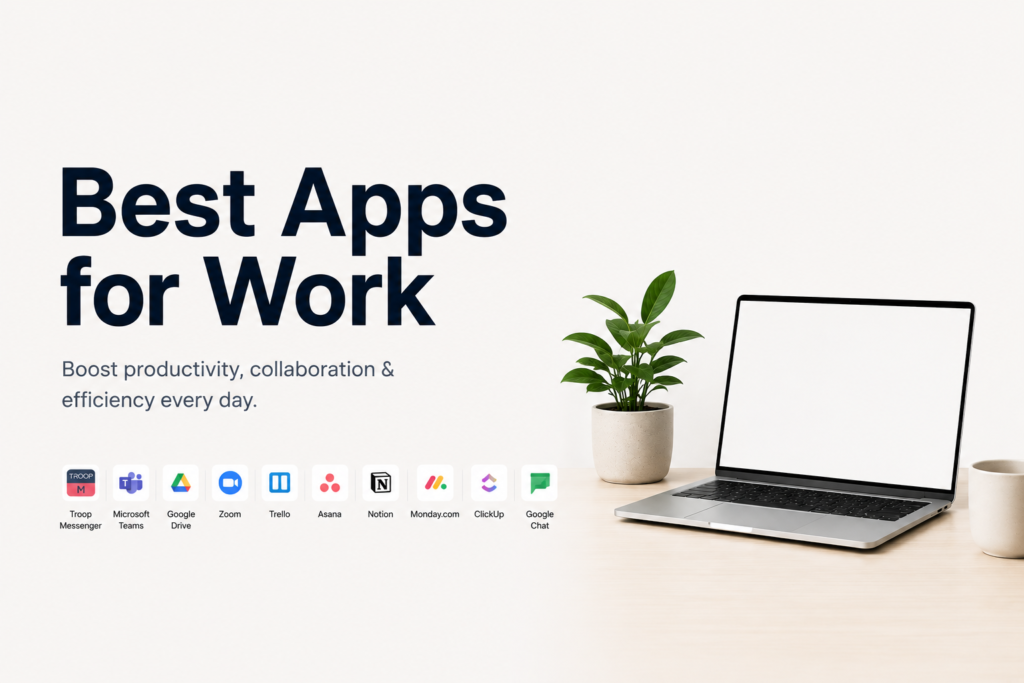
In today’s fast-paced digital workplace, effective collaboration has become essential for business success. Whether teams work from the office, remotely, or in a hybrid environment, collaboration apps help employees communicate, share information, manage projects, and stay aligned on goals. As organizations continue embracing digital transformation, the demand for powerful collaboration tools has grown significantly.
Modern collaboration apps go far beyond simple messaging. They integrate communication, project management, document sharing, video conferencing, workflow automation, and artificial intelligence into unified platforms that help teams work more efficiently. These tools enable professionals to collaborate seamlessly regardless of location, improving productivity and reducing communication barriers.
Choosing the right collaboration app can significantly impact team performance, project success, and overall workplace efficiency. Understanding the most popular collaboration tools available today can help professionals and businesses make informed decisions about their technology stack.
Why Collaboration Apps Matter in Modern Workplaces
The modern workplace is increasingly distributed, with teams often spread across different cities, countries, and time zones. Collaboration apps provide a centralized environment where employees can communicate, share updates, track tasks, and access important information.
Without effective collaboration tools, organizations may experience communication gaps, missed deadlines, duplicated work, and reduced productivity. Collaboration platforms help eliminate these challenges by keeping teams connected and ensuring information is accessible when needed.
Businesses that invest in strong collaboration technologies often benefit from improved teamwork, faster decision-making, and more efficient workflows.
Key Features to Look for in Collaboration Apps
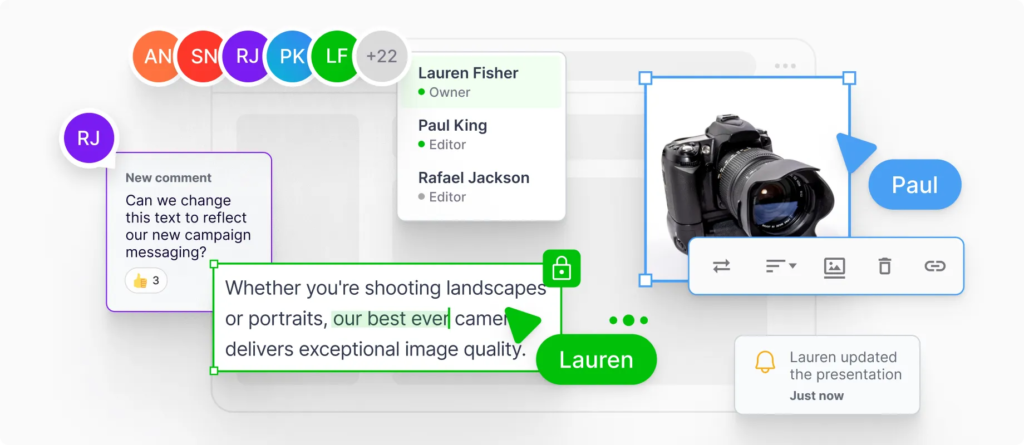
When evaluating collaboration software, professionals should focus on features that support communication, productivity, and workflow management.
Important features often include:
- Real-time messaging
- Video conferencing
- Task management
- File sharing
- Document collaboration
- Calendar integration
- Workflow automation
- AI-powered productivity tools
The ideal platform depends on team size, business goals, and specific collaboration requirements.
Microsoft Teams
Microsoft Teams has become one of the most widely used collaboration platforms for businesses worldwide. It combines messaging, video meetings, file sharing, and project collaboration into a single workspace.
Teams integrates seamlessly with Microsoft 365 applications, allowing users to collaborate on documents, spreadsheets, and presentations without leaving the platform.
Organizations often choose Microsoft Teams because it provides a centralized environment for communication and productivity while supporting both remote and in-office employees.
Key Benefits
- Integrated video conferencing
- Microsoft 365 compatibility
- Team channels and workspaces
- Secure file sharing
- Enterprise-level security
Slack
Slack is a popular communication and collaboration platform designed to simplify workplace conversations. It organizes discussions into channels, making it easier for teams to manage projects, departments, and specific topics.
Slack supports integrations with numerous business applications, helping organizations connect workflows and reduce the need to switch between multiple tools.
The platform is particularly popular among technology companies, startups, and remote teams due to its flexibility and ease of use.
Key Benefits
- Organized communication channels
- Extensive app integrations
- Quick file sharing
- Searchable conversation history
- Real-time collaboration
Asana
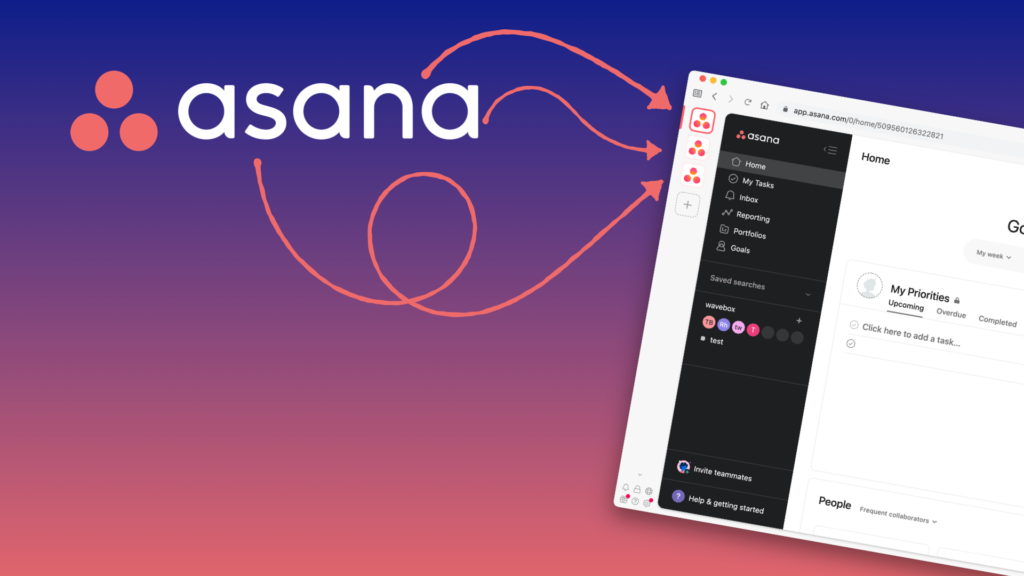
Asana is a project management and collaboration tool that helps teams organize tasks, manage projects, and track progress.
The platform provides visual project views, timelines, task assignments, and workflow automation capabilities. Teams can create projects, set deadlines, assign responsibilities, and monitor performance from a centralized dashboard.
Asana is widely used by marketing teams, product managers, and business operations professionals who require structured project management.
Key Benefits
- Task tracking and organization
- Workflow automation
- Project timelines
- Team accountability
- Goal management
Trello
Trello is known for its simple and intuitive project management system based on boards, lists, and cards. The visual nature of Trello makes it easy for teams to organize projects and track progress.
Professionals can create boards for different projects, move tasks between stages, and collaborate with team members in real time.
Trello is especially useful for smaller teams and organizations seeking a user-friendly project management solution.
Key Benefits
- Visual task management
- Easy-to-use interface
- Flexible workflows
- Team collaboration features
- Customizable project boards
Notion
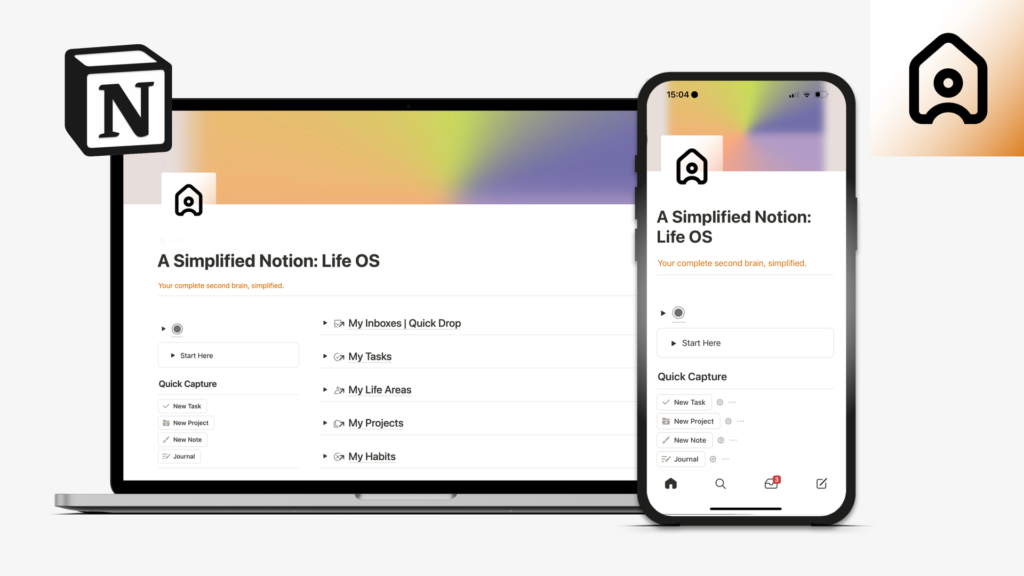
Notion has gained significant popularity as an all-in-one workspace for collaboration, documentation, and knowledge management.
Teams use Notion to create shared documents, manage projects, organize company knowledge, and collaborate on content creation. The platform combines note-taking, databases, task management, and collaboration tools within a highly customizable environment.
Its flexibility makes it suitable for startups, creative teams, and organizations seeking a centralized knowledge hub.
Key Benefits
- Unified workspace
- Knowledge management
- Collaborative documentation
- Project tracking
- Customizable workflows
Google Workspace
Google Workspace provides a comprehensive suite of collaboration tools, including Google Docs, Sheets, Slides, Meet, and Drive.
These applications enable teams to collaborate on documents in real time, conduct virtual meetings, and store files securely in the cloud.
Google Workspace is particularly valued for its ease of use and real-time collaboration capabilities, making it a popular choice for businesses of all sizes.
Key Benefits
- Real-time document collaboration
- Cloud storage
- Video conferencing
- Easy accessibility
- Cross-device compatibility
ClickUp

ClickUp is a productivity platform that combines project management, task tracking, documentation, and team collaboration features.
The platform offers extensive customization options, allowing organizations to create workflows tailored to their specific needs. ClickUp supports task management, goal tracking, time tracking, and reporting within a single system.
Its comprehensive feature set makes it attractive for businesses looking to consolidate multiple productivity tools.
Key Benefits
- Comprehensive project management
- Workflow customization
- Goal tracking
- Time management tools
- Team collaboration features
Zoom
Zoom became one of the most recognized collaboration tools due to its reliable video conferencing capabilities. While primarily known for virtual meetings, Zoom has expanded its collaboration features to support team communication and hybrid work environments.
Organizations use Zoom for meetings, webinars, training sessions, and client interactions.
High-quality video communication remains an essential component of successful collaboration, especially for remote and distributed teams.
Key Benefits
- Reliable video meetings
- Webinar hosting
- Screen sharing
- Meeting recordings
- Virtual collaboration features
AI-Powered Collaboration Tools
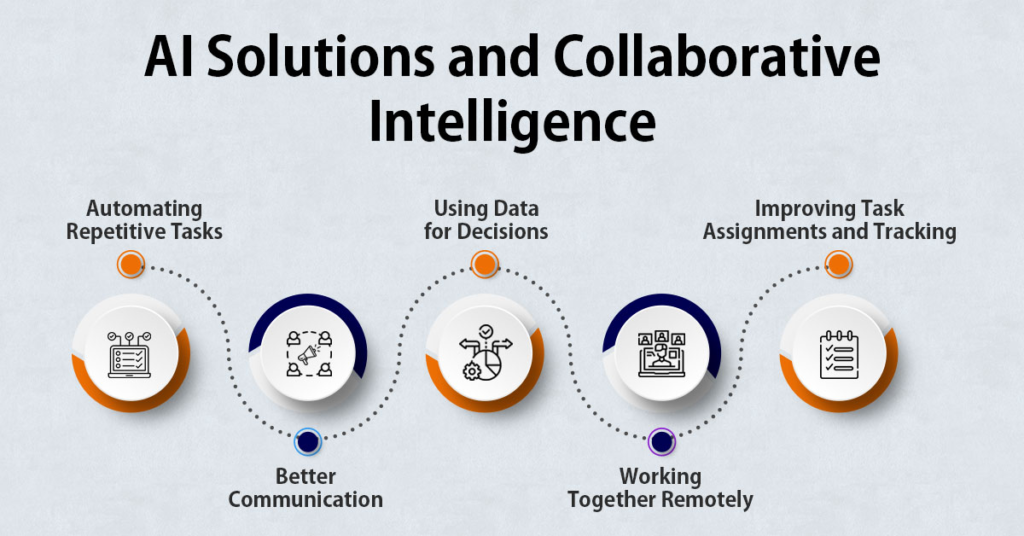
Artificial Intelligence is transforming collaboration software by introducing smarter productivity features.
Modern collaboration platforms increasingly offer:
- AI meeting summaries
- Automated note-taking
- Task recommendations
- Workflow automation
- Intelligent search capabilities
These AI-powered features help teams reduce administrative work and focus more on strategic activities.
As AI technology advances, collaboration tools are expected to become even more intelligent and efficient.
Comparing Popular Collaboration Apps
| Tool | Best For | Primary Strength |
|---|---|---|
| Microsoft Teams | Enterprises | Integrated communication |
| Slack | Team messaging | Channel-based collaboration |
| Asana | Project management | Task organization |
| Trello | Small teams | Visual workflows |
| Notion | Knowledge management | Flexible workspace |
| Google Workspace | Document collaboration | Real-time editing |
| ClickUp | Productivity management | All-in-one platform |
| Zoom | Virtual meetings | Video conferencing |
Selecting the right tool depends on organizational goals, workflow requirements, and team preferences.
How to Choose the Right Collaboration App
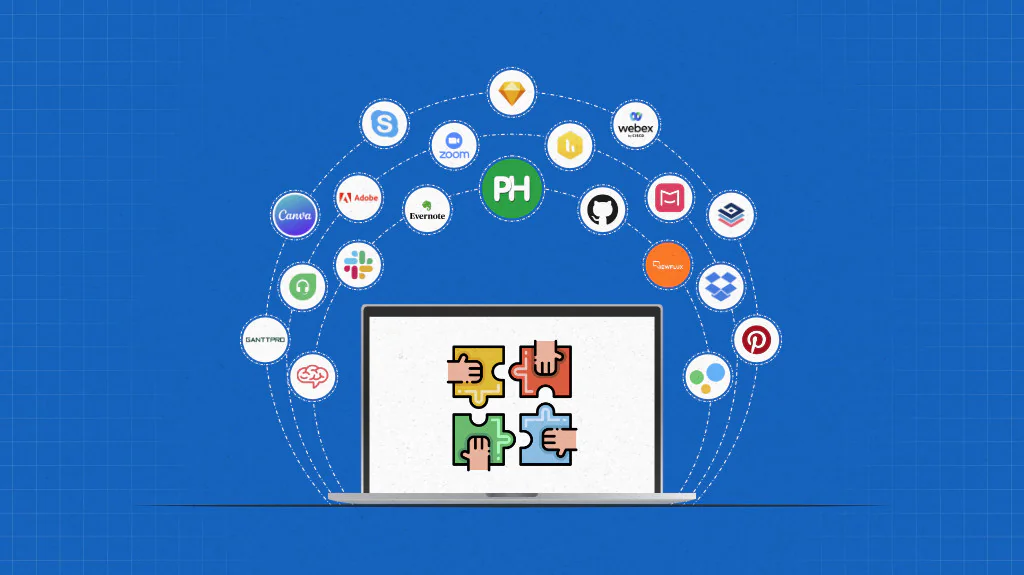
Organizations should evaluate collaboration tools based on their specific needs. Factors such as team size, budget, integration requirements, security needs, and workflow complexity should all be considered.
Before making a decision, businesses should assess:
- Communication requirements
- Project management needs
- Scalability
- User experience
- Security and compliance
- Integration capabilities
Testing multiple platforms can help identify the most effective solution for long-term success.
The Future of Collaboration Technology
The future of collaboration technology will likely be driven by artificial intelligence, automation, and enhanced virtual work experiences. AI-powered assistants, intelligent meeting tools, and advanced workflow automation systems will continue improving workplace productivity.
Organizations are increasingly adopting hybrid work models, making collaboration tools more important than ever. Future platforms may provide deeper integrations, smarter recommendations, and more personalized user experiences.
As digital workplaces evolve, collaboration apps will remain critical for maintaining communication, productivity, and team alignment.
Conclusion
Collaboration apps have become essential tools for modern professionals and organizations. By improving communication, streamlining workflows, and supporting project management, these platforms help teams work more effectively regardless of location.
Whether using Microsoft Teams for enterprise communication, Slack for messaging, Asana for project management, Notion for documentation, or Zoom for virtual meetings, businesses have access to a wide range of powerful collaboration solutions.
As technology continues advancing, collaboration apps will play an increasingly important role in shaping the future of work, helping professionals stay connected, productive, and successful in an ever-changing business environment.