
WordPress is one of the most powerful website-building platforms in the world, but the real strength of WordPress comes from its plugins. Plugins help users add advanced features, improve website speed, increase security, optimize SEO, and enhance user experience without coding knowledge.
In 2026, website performance has become more important than ever. Search engines prioritize fast-loading, secure, and mobile-friendly websites. A slow or poorly optimized website can reduce traffic, lower rankings, and negatively affect user engagement.
Choosing the right WordPress plugins can significantly improve your website’s performance and overall functionality. However, using too many unnecessary plugins may slow down your site. That is why selecting lightweight, reliable, and high-performing plugins is essential.
This guide covers the top WordPress plugins ranked for better website performance in 2026.
Why WordPress Plugins Are Important
Plugins extend the functionality of WordPress websites and help website owners customize features according to their needs. From SEO optimization to speed enhancement, plugins make website management easier and more effective.
| Plugin Category | Main Purpose |
|---|---|
| SEO Plugins | Improve search engine rankings |
| Security Plugins | Protect websites from attacks |
| Cache Plugins | Increase loading speed |
| Backup Plugins | Save website data |
| Page Builder Plugins | Improve website design |
| Image Optimization Plugins | Reduce image size |
The right combination of plugins helps websites perform better while improving user experience and search visibility.
1. Yoast SEO – Best SEO Plugin
Yoast SEO remains one of the most popular WordPress plugins for search engine optimization. It helps users optimize blog posts, improve readability, generate XML sitemaps, and manage meta tags.
The plugin is beginner-friendly and provides real-time SEO suggestions while writing content. It also supports schema markup, which improves visibility on Google search results.
Key Features
- SEO analysis
- Readability checker
- XML sitemap generation
- Meta title and description optimization
- Internal linking suggestions
| Feature | Benefit |
|---|---|
| SEO Optimization | Improves Google rankings |
| Content Analysis | Enhances readability |
| Sitemap Support | Faster indexing |
Yoast SEO is ideal for bloggers, businesses, and content creators who want better search engine performance.
2. WP Rocket – Best Cache Plugin
Website speed is a major ranking factor, and WP Rocket is one of the best plugins for improving loading performance. It is a premium caching plugin that helps reduce page load time and improves website speed instantly.
Unlike many complex cache plugins, WP Rocket is easy to configure and works effectively even for beginners.
Main Benefits
- Page caching
- Lazy loading for images
- Database optimization
- File compression
- Faster page rendering
A faster website improves user experience, lowers bounce rates, and boosts SEO rankings.
| Performance Factor | Improvement |
|---|---|
| Website Speed | Faster loading |
| User Experience | Better engagement |
| SEO Rankings | Improved visibility |
WP Rocket is highly recommended for websites with heavy traffic and media content.
3. Wordfence Security – Best Security Plugin

Website security is essential in 2026 because cyber threats continue to increase. Wordfence Security helps protect WordPress websites from malware, hacking attempts, and suspicious activities.
The plugin includes firewall protection, malware scanning, and login security features to keep websites safe.
Security Features
- Malware scanner
- Firewall protection
- Login security
- Real-time threat detection
- Security alerts
Strong website security not only protects data but also builds trust among visitors.
4. Elementor – Best Page Builder Plugin
Elementor is one of the most widely used drag-and-drop page builders for WordPress. It allows users to design professional pages without coding knowledge.
The plugin provides ready-made templates, responsive design tools, and visual editing features that simplify website customization.
| Feature | Advantage |
|---|---|
| Drag-and-Drop Builder | Easy page creation |
| Responsive Design | Mobile-friendly layouts |
| Templates | Faster website design |
Elementor is ideal for business websites, portfolios, blogs, and landing pages.
5. Smush – Best Image Optimization Plugin
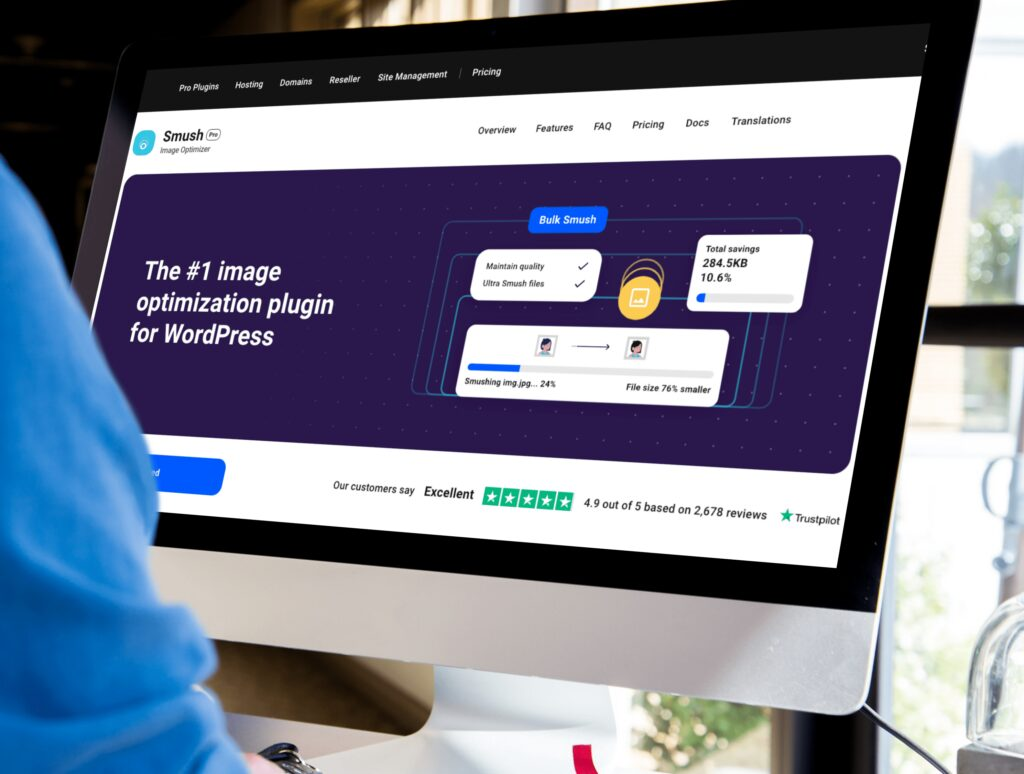
Large images can slow down websites significantly. Smush helps optimize and compress images without reducing quality.
Optimized images improve loading speed, especially on mobile devices, which directly impacts SEO and user experience.
Main Features
- Image compression
- Lazy loading
- Bulk optimization
- Automatic resizing
6. UpdraftPlus – Best Backup Plugin
Website backups are extremely important because unexpected errors, hacking attempts, or hosting issues can lead to data loss. UpdraftPlus allows users to create automatic backups and restore websites quickly.
The plugin supports cloud storage integrations such as Google Drive and Dropbox, making data management easier.
| Backup Feature | Benefit |
|---|---|
| Automatic Backups | Saves time |
| Cloud Storage | Secure data storage |
| Easy Restoration | Quick recovery |
Regular backups help maintain website safety and business continuity.
7. Rank Math – Advanced SEO Plugin
Rank Math has become a strong competitor to Yoast SEO because of its advanced features and lightweight performance. It offers powerful SEO tools while maintaining a simple user interface.
The plugin supports keyword optimization, schema markup, SEO scoring, and Google Search Console integration.
Why Users Prefer Rank Math
- Lightweight design
- Advanced SEO tools
- Multiple keyword optimization
- Built-in schema support
Many bloggers and marketers prefer Rank Math for its advanced customization features.
8. LiteSpeed Cache – Best Free Speed Optimization Plugin
LiteSpeed Cache is one of the most effective free performance plugins available for WordPress websites. It provides server-level caching and optimization features that improve loading speed significantly.
The plugin includes image optimization, CSS and JavaScript minification, and browser caching.
Websites hosted on LiteSpeed servers benefit the most from this plugin.
How to Choose the Right Plugins
Choosing plugins should depend on your website goals and requirements. Installing unnecessary plugins can slow down performance and create compatibility issues.
Important Factors to Consider
- Plugin ratings and reviews
- Regular updates
- Compatibility with WordPress version
- Speed optimization
- Customer support
Always install plugins from trusted developers to avoid security risks.
Common Mistakes While Using Plugins

Many beginners install too many plugins expecting better functionality, but this often reduces performance. Poorly coded plugins can increase loading time and create technical issues.
Avoid using multiple plugins for the same purpose because they may conflict with each other. It is also important to update plugins regularly to maintain security and compatibility.
Ignoring plugin updates can expose websites to vulnerabilities and bugs.
Best Plugin Combination for Beginners
For beginners, using a balanced set of plugins is the best approach.
| Purpose | Recommended Plugin |
|---|---|
| SEO | Yoast SEO / Rank Math |
| Speed Optimization | WP Rocket / LiteSpeed Cache |
| Security | Wordfence |
| Backups | UpdraftPlus |
| Page Design | Elementor |
| Image Optimization | Smush |
This combination provides a strong foundation for performance, security, and SEO.
Conclusion
WordPress plugins play a major role in improving website performance, security, speed, and functionality. Choosing the right plugins helps create a faster, safer, and more user-friendly website.
Plugins like Yoast SEO, WP Rocket, Wordfence, Elementor, Smush, and UpdraftPlus remain among the top choices in 2026 because of their reliability and powerful features.
However, website owners should avoid installing unnecessary plugins and focus only on tools that provide real value. Regular updates, optimization, and proper plugin management are essential for maintaining long-term website performance.
A well-optimized WordPress website not only improves user experience but also increases search engine rankings, traffic, and business growth.
